


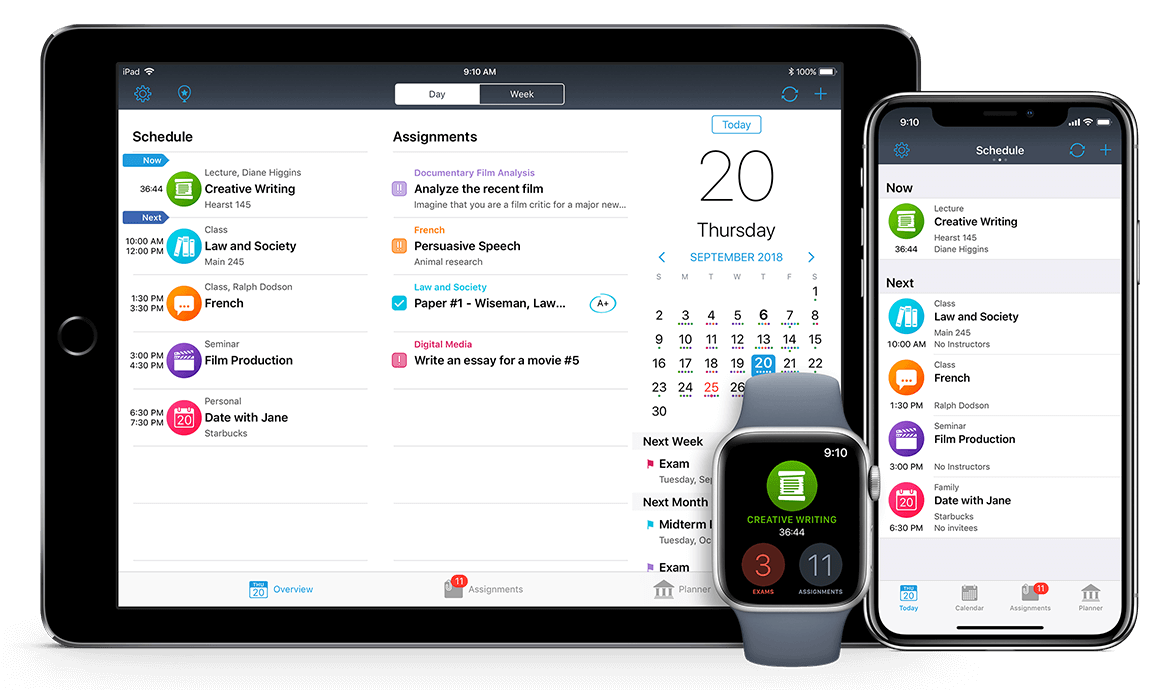
So organized and easy! Reliable at any second!
Real-time mode shows you only what happens shortly.
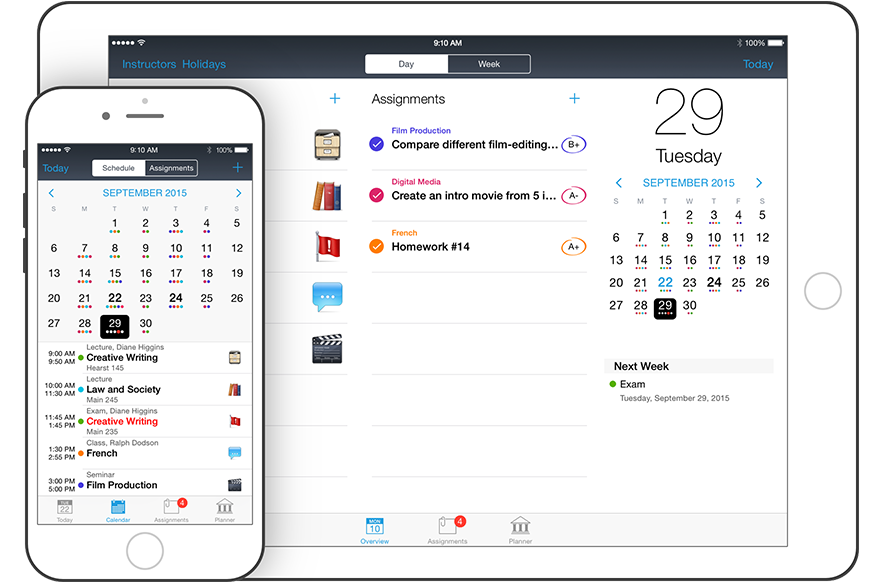
See the list of classes on any day, in one touch. Quick edit classes straight from Calendar.
So tiny as they are, but color dots give you so much understanding of what’s going on. Watch out those bold dates hiding assignments due!

Ever tried coloring? Here you go with the colored and neat presentation of your classes.
Get in control over your homework before it takes control of you.
Here is a shrewd tool for you.
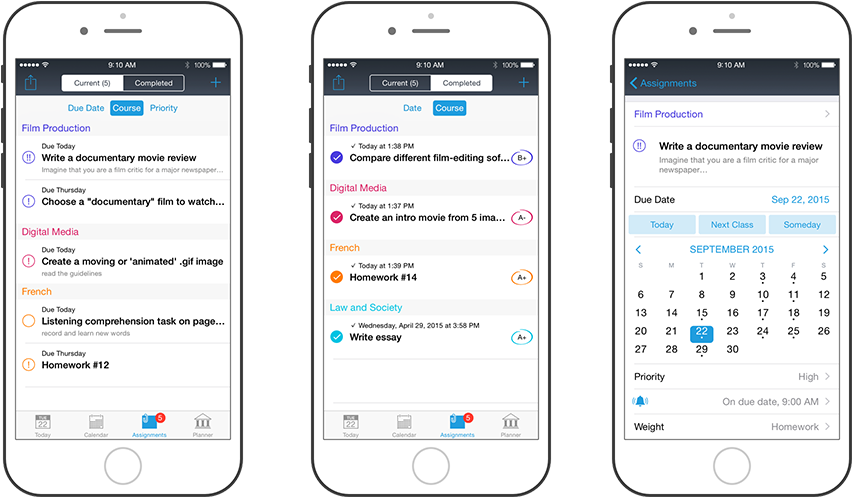
Sort your tasks by date, course and priority, set due dates and track your marks or grades received.
Quick edit the details of each assignment.
Planner is where your schedule starts and ends.
Use Planner to manage your courses and classes details, locations, instructors info, holidays and grades.
Good planning is half way to nice grades.

The list of subjects and optional courses, sorted by semesters. You can also track your GPA here.
Quickly access the details of each class or exam to edit.

Windows PC, Mac, iPhone, iPad, and Android. iStudiez Pro data is in your every device and in seconds. Input once and have it all synched across automatically and momentarily.
Should you wish, you can see Calendar events in iStudiez Pro.
Wish to share the app’s schedule to other calendar apps? No problem.
Want to share with your mates? Easy.
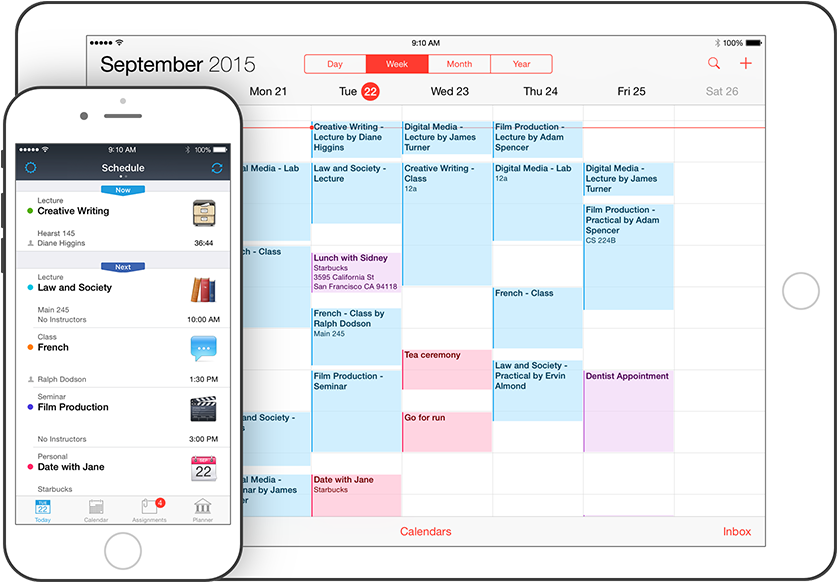
iStudiez Pro schedule in the Calendar app.
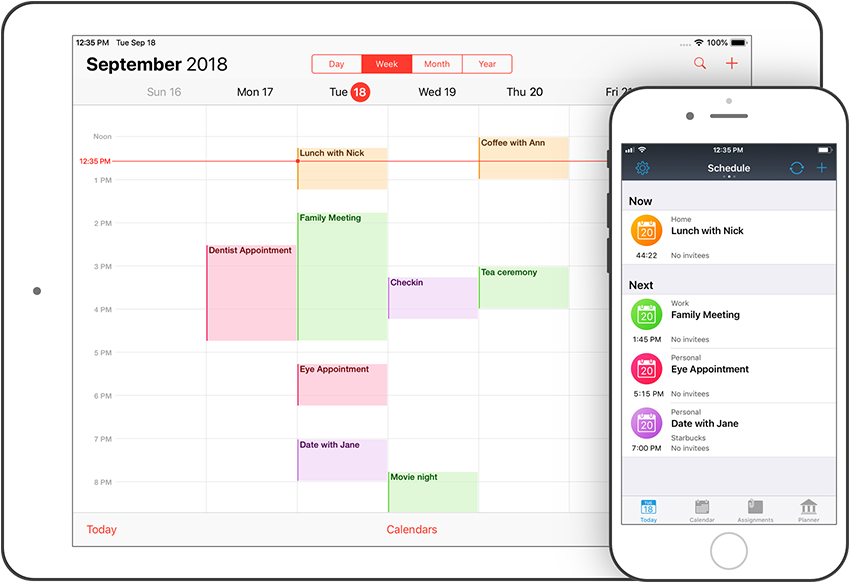
Calendar app events within iStudiez Pro.
Never easier to calculate your grades and track your GPA progress. The GPA calculator was developed with ideas from you and with you in mind.
Percents, points, letters, it calculates everything!